Track crypto prices: Notion & Slack
Runs on a schedule across Notion, Slack and Google Sheets, routes each kind of record down its own branch, then drops anything it has already handled. Built for price alerts, around a "Fetch Current Metrics" step, in 32 documented nodes.
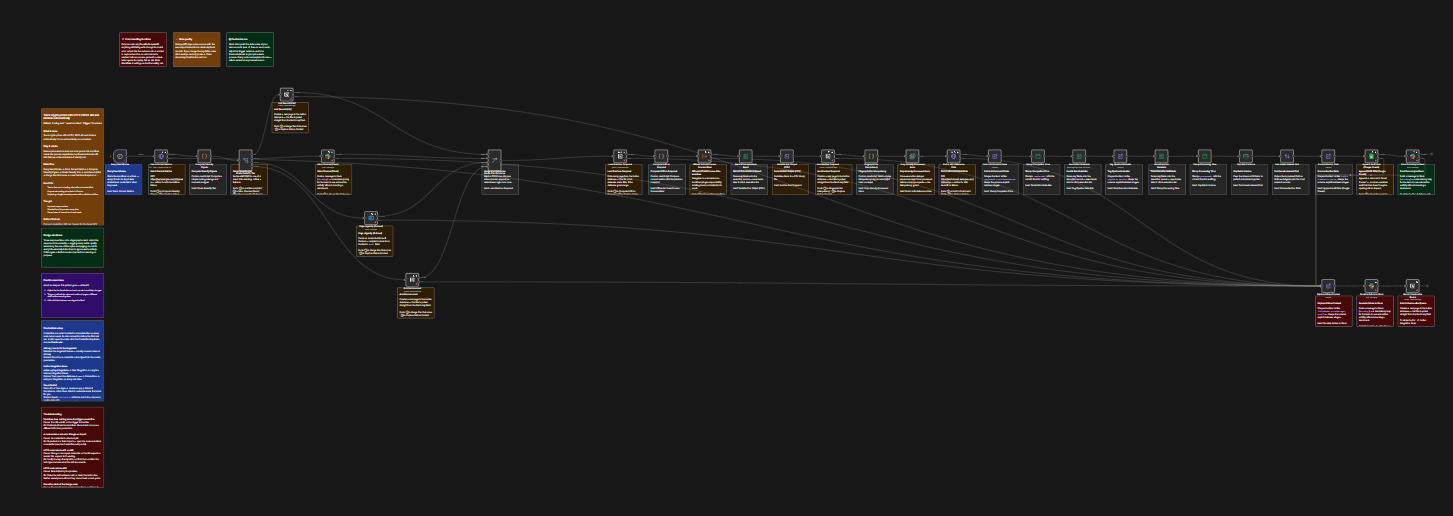
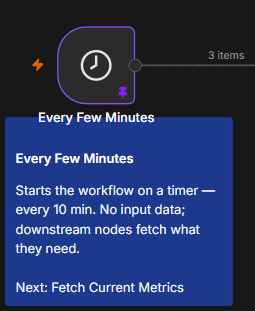
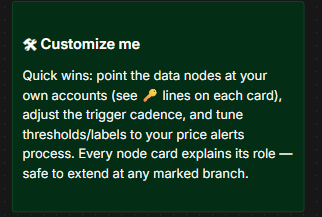
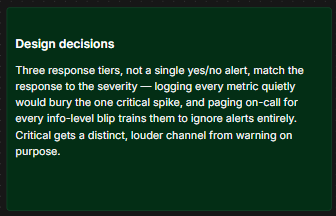
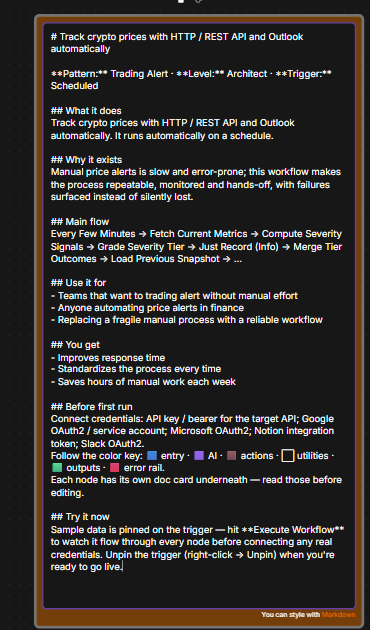
Track crypto prices with HTTP / REST API and Outlook automatically. An original, ready-to-import n8n workflow built around the 'Trading Alert' pattern for finance & banking. It runs on a schedule and orchestrates 32 nodes across Notion, Slack, HTTP / REST API. Retry-on-fail is enabled on external calls. Import the JSON, add your credentials, and adapt the parameters. The result is a hands-off process that just works.
Key benefits
- ✓Keeps Notion and Slack in step for price alerts, without anyone re-typing a row
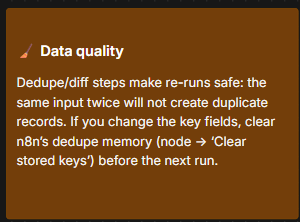
- ✓Safe to re-run: records already in Notion or Slack are skipped, across all 32 nodes of this price-alerts build
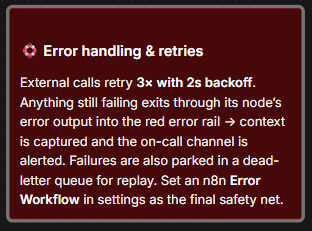
- ✓A failed Notion or Slack call is retried rather than dropped, at any of the 32 nodes in this price-alerts build
- ✓Branches rejoin before Notion, so a price-alerts run reports once rather than 32 times
- ✓Every price-alerts run leaves an audit row behind, alongside Notion
Use cases
- →Teams keeping Notion and Slack aligned by hand for price alerts
- →Price alerts work where "Fetch Current Metrics" is still a manual step before Notion
- →Price alerts work that only reaches Notion on a schedule, when someone remembers to start it
Integrations
Workflow preview (32 nodes)
The template's actual node layout and connections. Node parameters and credential slots unlock with the download.
What's inside (32 nodes)
A look at the node types this workflow uses. No purchase required — full parameters and credentials are yours after you buy.
From download to running in 3 steps
- 1Import. In n8n, open Workflows → menu → “Import from File” and pick the downloaded JSON.
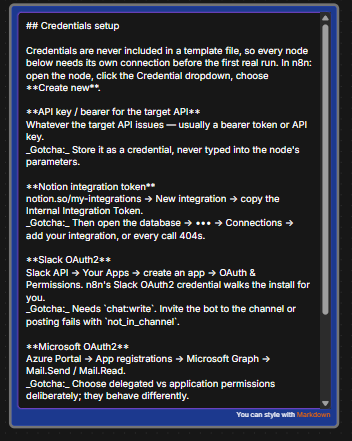
- 2Connect. Add your own credentials on the app nodes - n8n highlights exactly which ones need them.
- 3Activate. Run it once to test, then toggle Active. The automation is live.
What you'll learn
Architect levelThe deepest tier - sub-workflow delegation, state snapshots, and full observability.
- •Computing indicators from raw price series in a Code node
- •Grading signals into severity tiers
- •Alerting without spamming on every tick
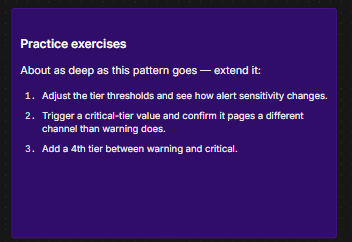
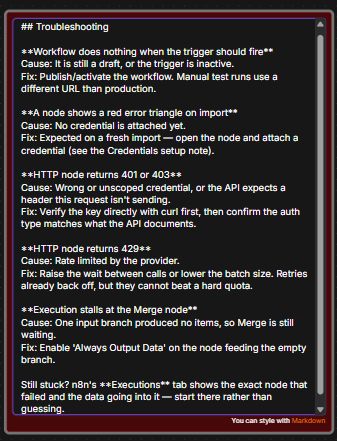
Every node carries its own documentation on the canvas, plus notes explaining why the architecture was built this way, a credential setup guide, troubleshooting, and three practice exercises. Sample data comes pinned to the trigger, so you can hit Execute and watch data flow before connecting a single account.
Common questions
What exactly do I get?
The complete, ready-to-import n8n workflow as a JSON file, delivered instantly after payment. Import it into your own n8n (cloud or self-hosted), add your credentials, and it runs.
How do I import it into n8n?
In n8n, open Workflows, click the three-dot menu, choose “Import from File”, and select the downloaded JSON. Then connect your own app credentials on the highlighted nodes.
Do I need anything else for it to work?
You need your own n8n instance and accounts/credentials for the apps this workflow connects to (Notion, Slack, HTTP / REST API, Google Sheets, …). No coding is required.
What if it doesn't work for me?
If the file is faulty, won't import, or isn't as described, contact us within 7 days and we'll fix it or refund you - see our refund policy.
Can I modify or resell it?
You can freely adapt and use it in your own or your clients' projects. Reselling or redistributing the template file itself is not permitted.
Related templates
Monitor crypto prices: Google Sheets + sub-workflow
Price alerts on n8n: runs on a schedule across Google Sheets, Slack, Notion and Outlook, starting at "Probe Endpoint A". Branches on the check before anything is written. 32 documented nodes.
Monitor a key metric: Google Sheets & Notion
Price alerts on n8n: runs on a schedule across Google Sheets, Notion, Slack and Outlook, starting at "Fetch Current Metrics". Routes each kind of record down its own branch. 30 documented nodes.
Watch stock levels for portfolio tracking
Portfolio tracking on n8n: runs on a schedule across Google Sheets, Outlook, Slack and Notion, starting at "Fetch Target Page". Diffs the two sides and writes only the gaps. 32 documented nodes.
Monitor a key metric: Notion
Signals on n8n: runs on a schedule across Notion, Slack, Google Sheets and Outlook, starting at "Fetch Current Metrics". Routes each kind of record down its own branch. 30 documented nodes.